About
24 / 25
Memory-Pro
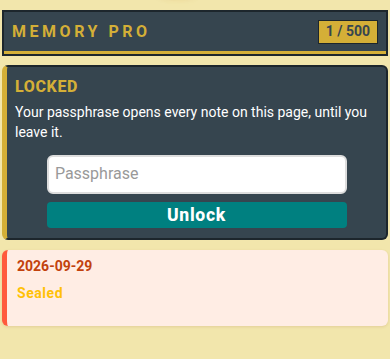
Memory-Pro, heavily encrypted text notes
How to use
- Choose a passphrase, type it again, tap Set passphrase.
- Type the passphrase, tap Unlock.
- Write a note, tap Save.
- On a note, tap Copy, Edit or Del.
- Tap Export & passphrase to download all notes or change the passphrase.
📏 Limit: 500 notes, 1000 characters each.
Who can do what
- 👤 You: only you can read your notes.
- 🔒 The passphrase stays on your device: nobody can reset it.
- ⚠️ Forgot it? → Notes are gone for good. Download a copy first.