About
01 / 25
ALBUM
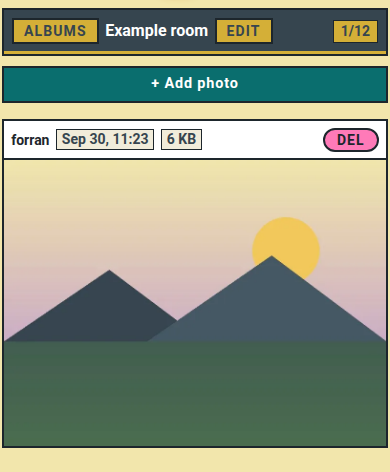
Create small, private rooms up to 12 photos and invite the people who matter to see them.
How to use
- Tap +.
- Name the room.
- Type a friend's username.
- Tap Create room.
- Tap + Add photo and upload.
📏 Limit: 12 photos per room. Adding a 13th removes the oldest.
Who can do what
- 👤 You: upload, delete any photo.
- 👥 Friend: upload, delete own photos.
- ⚠️ Friend skipped? → They need a Multipass, or your free seat.