About
05 / 06
Tournament
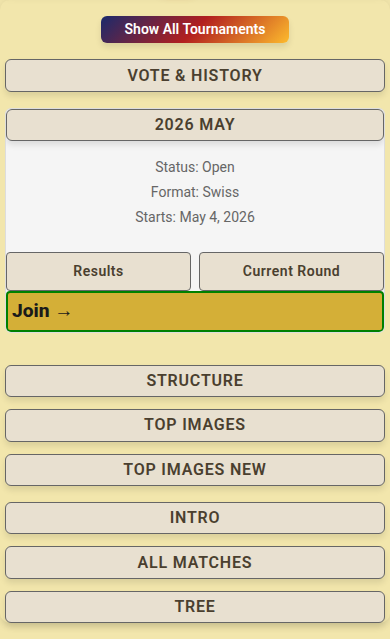
A regular rhythm to compete and improve. Themes change weekly; rounds are voted on by the public; group stages and finals follow.
How to use
- Open Tournaments, tap the month (like 2026 May), tap Join →.
- You land in a group of 4; matches pair you with one player for 7 days.
- Each day has a theme: make an AI image for it.
- On the tournament page, tap the day's date in your match.
- Pick the image, add a title, tap Submit; tap Update to change it.
- Still waiting for a group? Post one solo image a day; the AI judge rates it.
- Tap Vote & History, pick a theme, tap Vote under the best image.
- After voting you see the counts, the winner, and the AI Judge Reasoning.
- Tap Results, Current Round, Top Images or Tree to follow the tournament.
📏 Limit: one image a day per round, one vote per theme, 4 players per group.
Who can do what
- 🎫 Multipass: join and upload.
- 👤 Signed in: vote, never for your own image.
- 🌍 Signed out: see images and results.
- 🏆 Winners get credits and badges; see Rewards.
- ⚠️ "You need an active Multipass to join tournaments"? → Get a Multipass first.