About
10 / 13
Mosaic
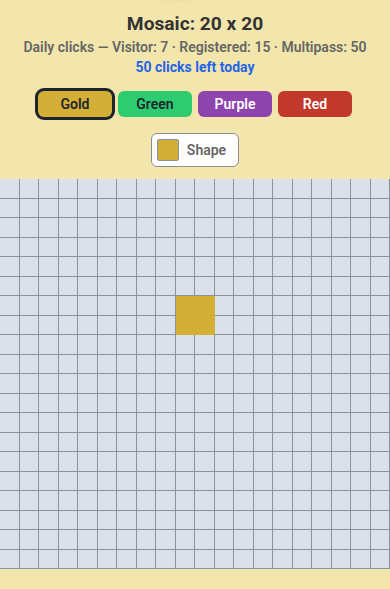
How to use
- Open Mosaic; pick a board at the bottom: Mosaic, Mosaic Pro, Mosaic Ad, Mosaic War, Mosaic War Pro.
- Tap a colour.
- Tap Shape to switch between square and the four triangle corners.
- Tap a cell to paint it; the same colour and shape again erases it.
- Pro and Ad: Owned cells shows who holds the most.
War
- Join a faction to lock your colour; on Mosaic War you can also pick a side per click.
- Tap cells: they take your faction colour.
- Faction war shows cells per faction; Round ends in counts down.
- Each week the top faction wins credits to its treasury, and the board clears.
📏 Limit: clicks a day per board: visitor 7, registered 15, Multipass 50.
Who can do what
- 🌍 Signed out: paint Mosaic and Mosaic War; watch Pro, Ad and War Pro.
- 👤 Registered: paint every board; War Pro needs a faction.
- 🎫 Multipass: 50 clicks a day.
- ⚠️ Daily limit reached? → Come back tomorrow.