About
09 / 25
STEPS
STEPS - Task explanation step-by-step
How to use
- Tap +.
- Name the room.
- Type a friend's username.
- Tap Create room.
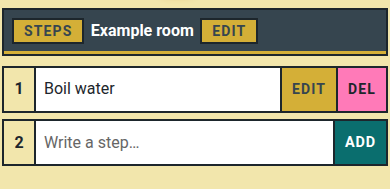
- Write a step, tap Add.
- Tap a step's number to copy it; Edit or Del to change it.
📏 Limit: 21 steps per room, 1000 characters per step.
Who can do what
- 👤 You: add, edit, delete any step; rename the room.
- 👥 Friend: add, edit, delete any step.
- ⚠️ Friend skipped? → They need a Multipass, or your free seat.