About
18 / 25
Wall
A mosaic-decorated wall of messages where each post becomes a tile in a living, visual conversation.
How to use
- Tap + Write on the wall.
- Stamp, if you like: tap a colour, then cells; or tap Type, a cell, a letter.
- Write your message.
- Tap Public, Faction or Private; for Private, type usernames.
- Tap Post.
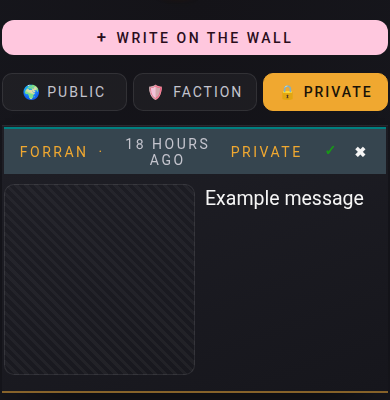
- Tap 🌍 Public, 🛡️ Faction or 🔒 Private to switch walls.
- On a private message to you: ✓ marks it read, ✖ deletes your copy.
📏 Limit: 150 characters, 10 posts a day, your newest 20 posts stay, 20 usernames per private post.
Who can do what
- 👤 You: post, delete your own posts.
- 👥 Recipient: read, mark read, delete their copy.
- 🌍 Signed out: read Public only.
- 📝 Unread private messages show on the home page until you tap ✓.
- ⚠️ Faction refused? → Join a faction first.